Deep Light Graphics Mod v1.2 (1.62.x) for ETS2
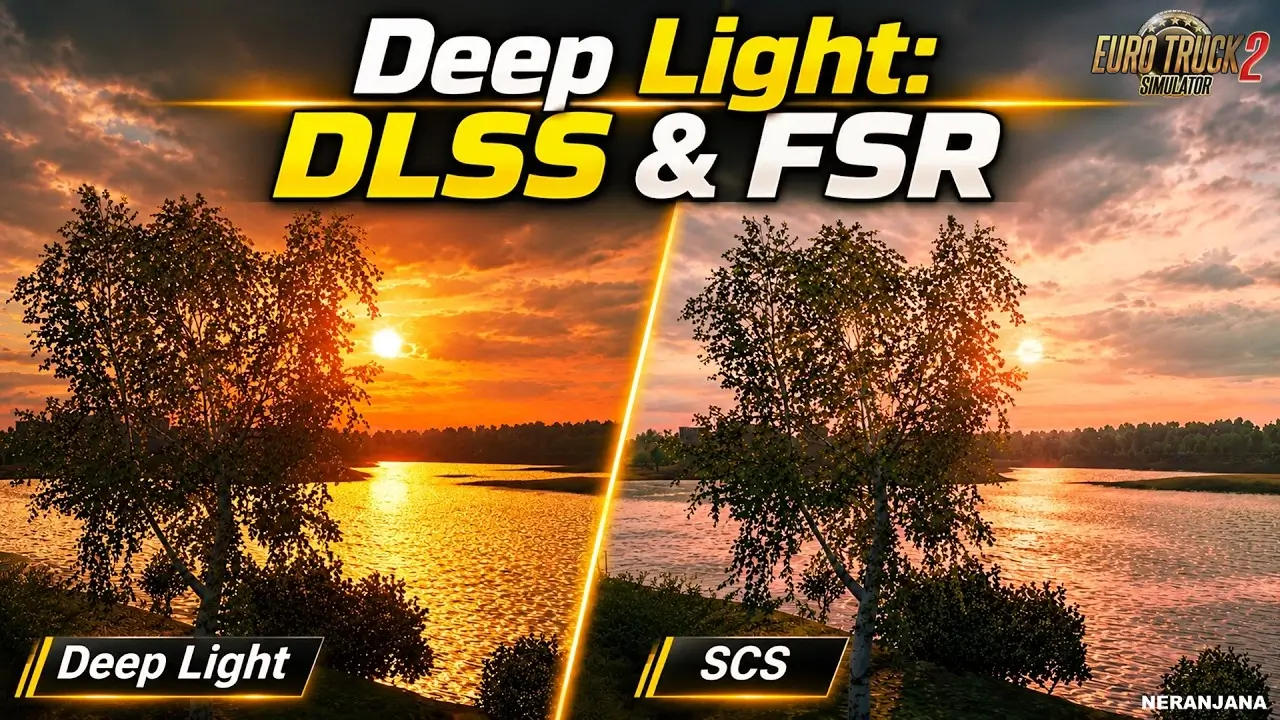 v1.62.x
Features Deep Light:
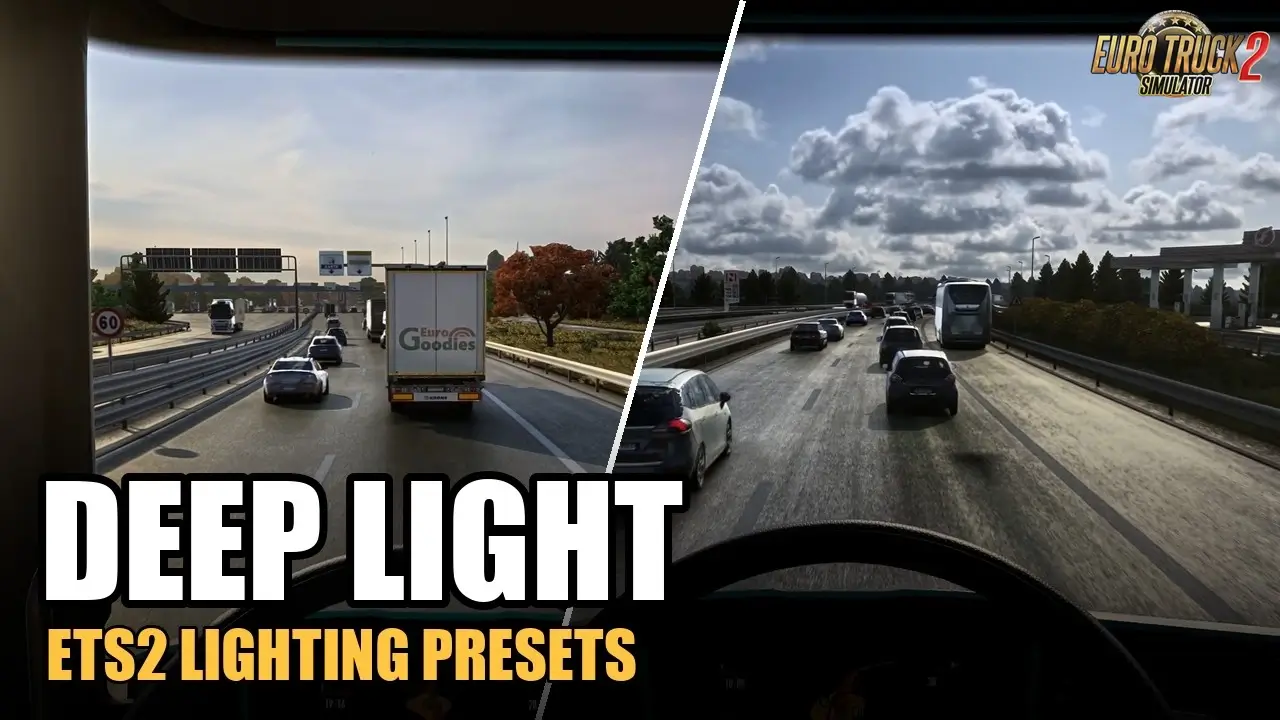
– 🔆 Physically based lighting, sun, sky and reflections
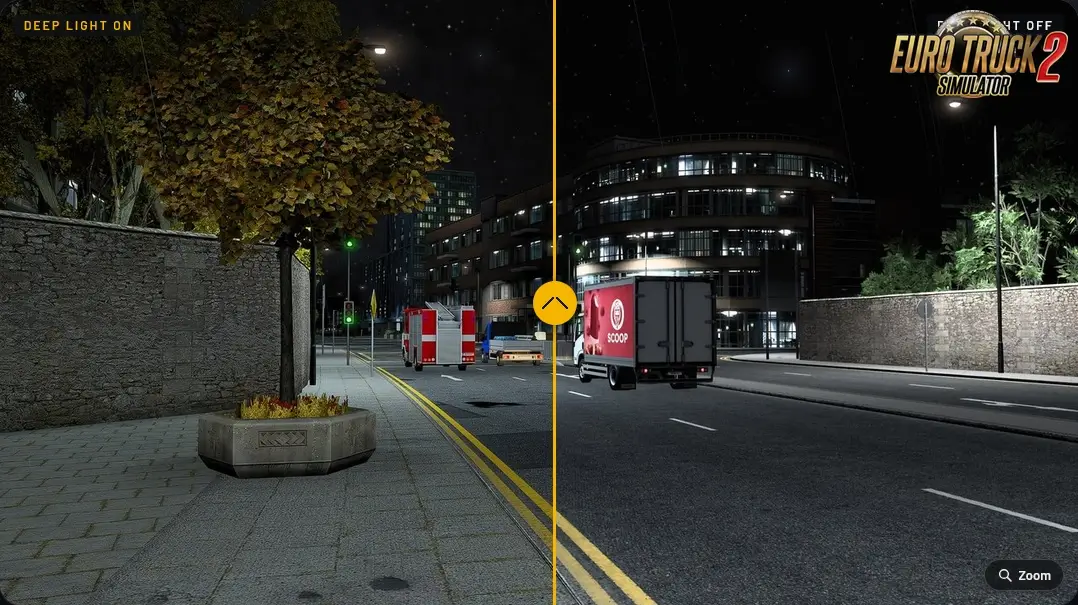
– 🌑 Deep ambient occlusion, cabin lighting and realistic night exposure
– 🛣️ Road relief, cracks, patches, wet roads and living puddles (Pro)
– 🎨 Realistic truck paint with clear coat and flakes
– 🍃 Improved foliage and leaves that react to light
– 📈 DLSS 4 / 4.5 + DLAA (NVIDIA RTX)
– 📈 FSR 3.1.5 / FSR 4 upscaling (any DX12 GPU)
– 🚀 Frame Generation up to 6× (DLSS) or 2× (FSR)
– 🎥 Motion blur, filmic tonemap and look presets
– ⚙️ 70+ live adjustable settings in the overlay
– 🔄 Works with both ETS2 and ATS
– 🆓 Free Core version available (upscaling, basic lighting, colour grade)
Deep Light Core (Free):
– DLSS / FSR anti-aliasing & upscaling
– Basic PBR lighting, colour grade, sharpening
– Night exposure and cabin lighting
Deep Light Pro (Paid):
– Full materials (roads, paint, terrain, leaves)
– Advanced lighting, SSAO, wet roads, puddles
– Frame generation + motion blur + look presets
👉️ Compatible with ETS2 & ATS 1.62.x



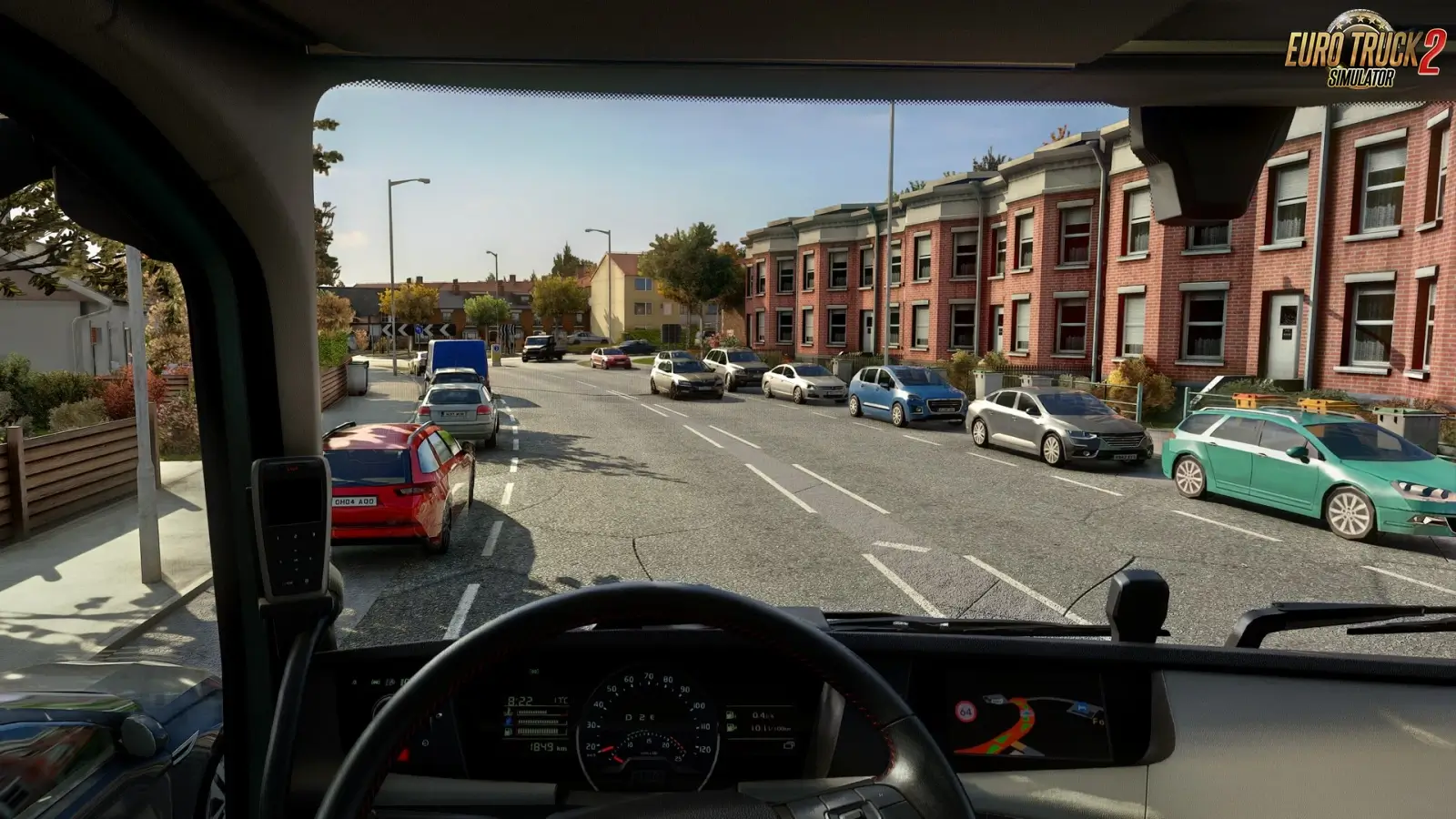
- Runs faster: Deep Light now costs about half as much of the game’s main thread. On a PC where the processor holds the frame rate back, I measured about 30 to 34 frames a second before and 49 to 57 now, in the same place with the same settings (DX12, DLSS and frame generation).
- Trees, each its own (Pro, DX12): every tree gets its own shade, so a forest is no longer one copy of the same green. Advanced > Nature > Tree colours: Off, Natural or Autumn.
- Leaves closer to real photos (Pro): leaf colour, brightness and warmth, and crowns that are darker inside than at their edges. Also on DX11.
- Wind (Pro, DX12): with Tree colours on, grass and leaves sway in a wind of their own, with gusts that roll over the landscape, a little stronger in rain. Realistic wind (Advanced > Nature, off by default) adds stronger gusts and grass that bends away from your truck as you pass: along the whole truck and trailer, further and harder the faster you drive, and it flutters in your wake.
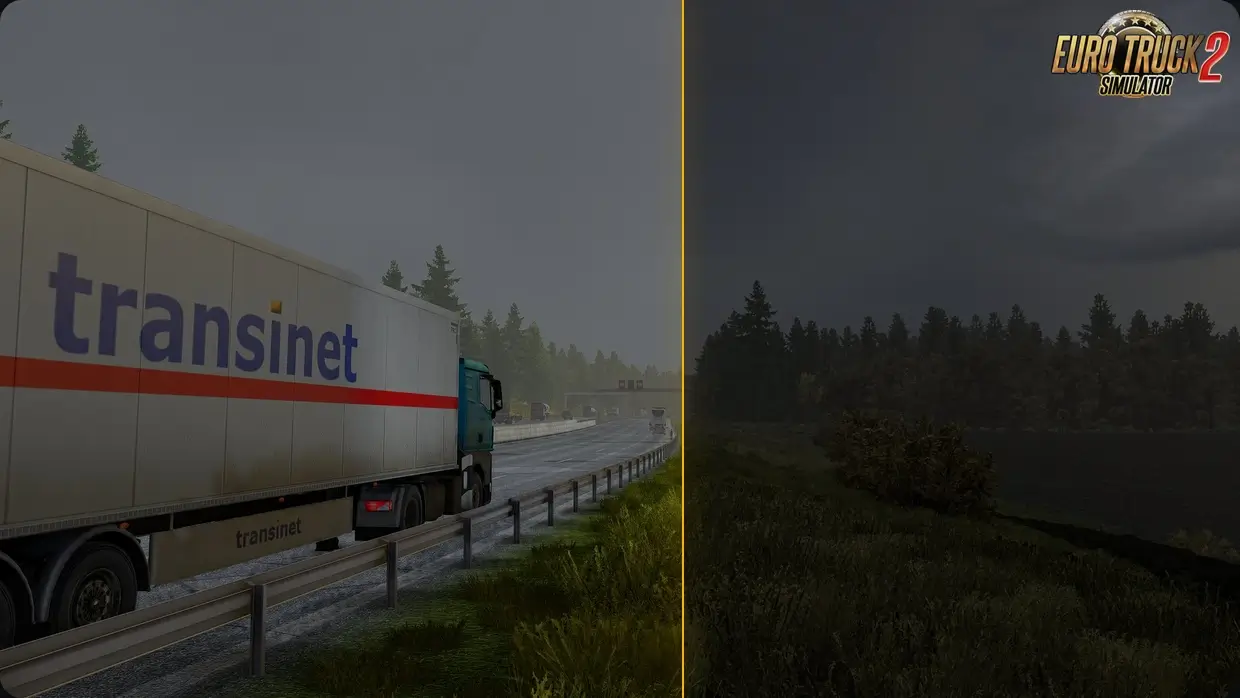
- Ground and road relief (Pro): roads, verges, fields and kerbs get relief from their own textures: cracks sink in, stones and gravel stand out, moss sits in the gaps. More ground surfaces than before, and wet ground is no glossier than asphalt.
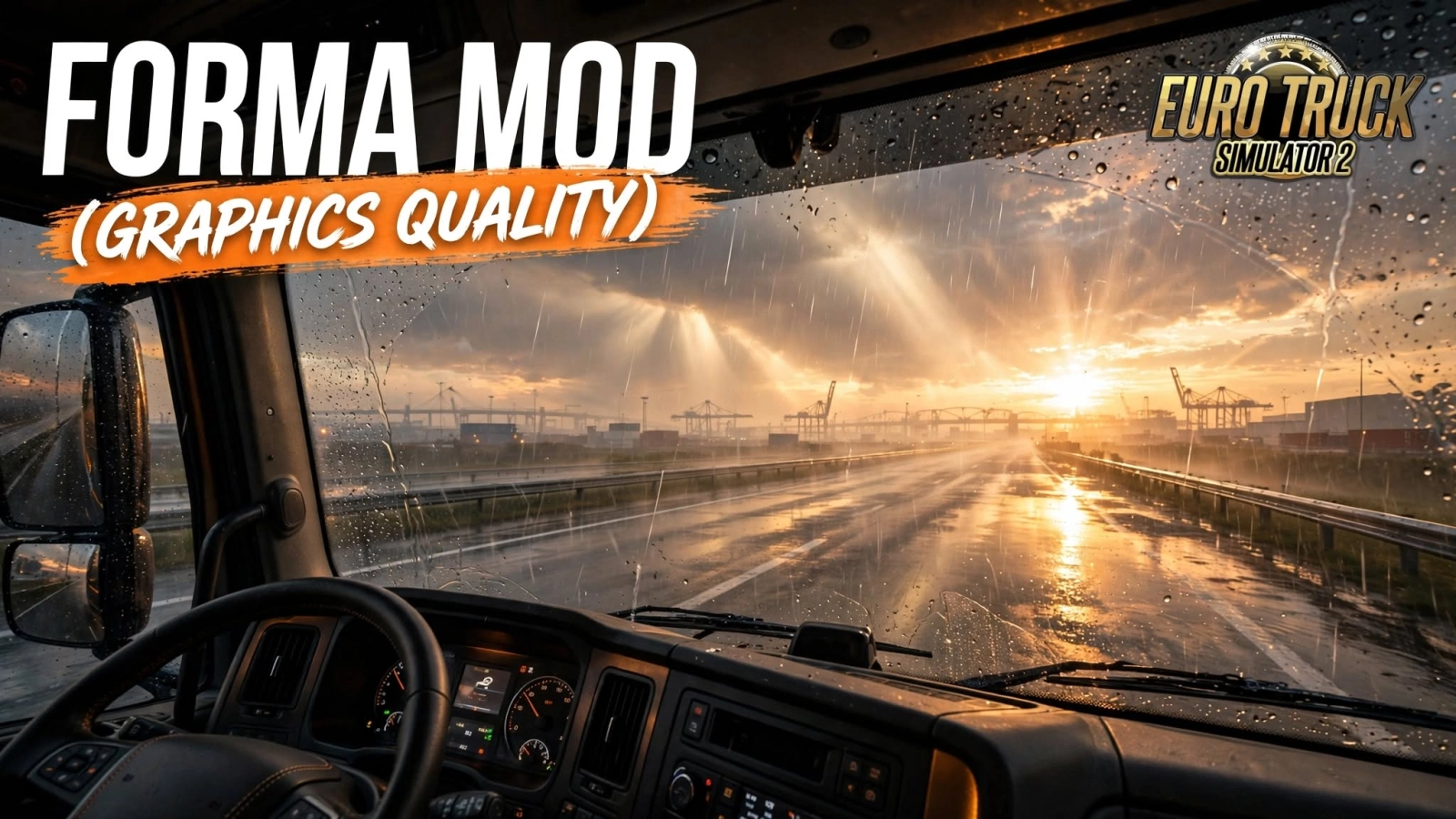
- Rain on the road (Pro): raindrops ripple over all the wet asphalt, not only in puddles, with small splashes you can see from the cab. A thin film of water smooths the road as the rain gets heavier.
- Puddle mirrors (Pro): standing water on the road now mirrors the world like a lake, while the wet asphalt around it stays as glossy as before. Advanced > Effects > Reflections > Puddles sets how much. On DX12, in the game’s own rain, the puddles now start small, grow as the rain goes on and shrink slowly after it stops.
- Real Life, measured again: tuned once more against real road photos, this time together with the sky: darker asphalt, deeper shadows, calmer colour, a less cyan sky and a soft glow around the sun. With Pro, picking Real Life now turns the sky on (you can turn it off). Real Life is about a third closer to the photos than before. How we measured it: dbmmods.com/news/rnd-1-2-0/
- Sun rays for Core: sun rays and lens flare, until now in Pro, are in the free version too. Advanced > Effects > Sun rays (needs DLAA, DLSS or FSR).
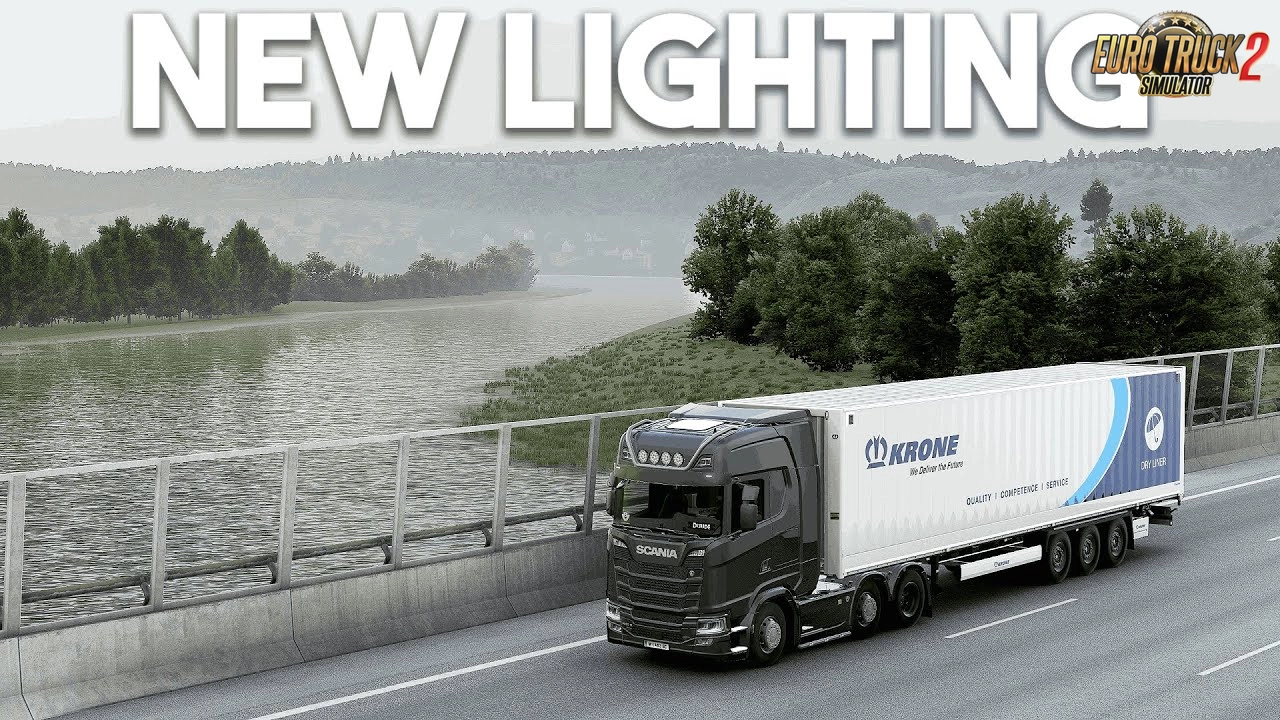
- New light for Core: the free version starts with a softer sun, less sky light and stronger reflections. If you never moved those three sliders, you get the new light; if you did, your values stay.
- Camera look in Real Life (Pro): a fine sensor grain, like a real camera, that leaves black black.
- Camera response (Pro): Advanced > Colour > Camera response simulates how a real camera renders the scene: brighter mid-tones, deeper shadows in foliage, more colour. It can look more photographic, at the cost of the calibrated colours’ accuracy. Off by default.
- Lens bloom and vignette (Pro): bright lights bloom softly into the picture and the corners darken a little, as through a lens. Also on DX11.
- Guard rails (Pro): a metal look with their own sheen, without picking anything by hand.
- Instrument glow (Pro): the dashboard’s lit dials and numerals glow and light the plastic around them. Instrument colour: amber, blue, red or green.
- Truck paint (Pro): clear coat and flakes now also reach trucks and paint jobs that had none, among them many Scania and Volvo FH paints.
- Fixed (DX12): the heads of a traffic light smeared while the camera moved, and the wheels of passing vehicles left trails. Both stay sharp now.
- Fixed: dirt on your own trailer flickered in the exterior camera.
- Fixed (DX12): fast-turning wheels of passing traffic left a ghost, and with motion blur on, parts that ride with your truck smeared. They stay sharp now.
- Fixed (DX11): in the exterior camera your truck’s outline, wheels, plate and exhaust no longer smear while the camera follows it.
- Fixed (DX12): with DLSS frame generation, the game could crash on NVIDIA cards while it loaded out of the menu or changed its resolution.
- Fixed: with
-homedirin the Steam launch options, the installer, SwitchDirectX and Deep Light now use the game’s settings from that folder instead of Documents. - Safer on DX11: if the graphics driver stops while Deep Light’s lighting draws its first frames, the next start runs without the lighting instead of crashing the same way again. After a second time it stays off until you turn it back on, and Home says so.
- Crash advice: when other graphics add-ons ran next to Deep Light, Home and the crash report name them, so you can try a drive without them. A few injectors that hid under their own file names are listed too.
- About and credits: a new section on Home lists what Deep Light is made with, and the download now includes all third-party licences.
- Everything from 1.1.3 is in 1.2.0 too.
- For ETS2 and ATS 1.62 (Core and Pro) and ETS2 1.61. Settings are kept.
Install «Deep Light Graphics Mod v1.2 (1.62.x) for ETS2»Quick setup guide for Euro Truck Simulator 2 Guide4 Steps
- Download the mod archive from one of the mirrors below.
- Extract it with WinRAR or 7-Zip if the file is compressed.
- Copy the
.scsfile toDocuments / Euro Truck Simulator 2 / mod. - Activate it in Profile → Mod Manager, then launch the game.
Policy & Disclaimer for «Deep Light Graphics Mod v1.2 (1.62.x) for ETS2»Important safety and third-party download information ImportantNotice
Download links may lead to third-party websites. We do not host, upload, modify or control external files and cannot be responsible for their advertising or content.
- Scan every download with current antivirus software.
- ETS2 mods normally use
.scsor.zipfiles; never run unknown.exeinstallers. - All trademarks and mod content belong to their respective owners.
For privacy details or removal requests, read our Privacy Policy or contact Admin.
Download «Deep Light Graphics Mod v1.2 (1.62.x) for ETS2»Choose a verified mirror and download safely FreeSafeTested
«Deep Light Graphics Mod v1.2 (1.62.x) for ETS2»
The download links on this page redirect to external third-party websites. We do not host, upload or control any of these files. Always verify the file extension — only .scs and .zip files are safe. Never run .exe installers from unknown sources. Scan all downloads with antivirus software before use.
Download links may redirect to third-party websites. We are not responsible for ads or content displayed there. To request removal — contact Admin



Leave a Comment
0 comments
🛠️ Help the community roll smoothly! Share your honest feedback, bug reports, or screenshots.
Please confirm if this mod works with the latest ETS2 patch. Your review helps the community keep on trucking! 🛣️💨