NecroCX Light Panel PlugIn v1.5 (1.61.x) for ETS2
 v1.61.x
Features NecroCX Light Panel:
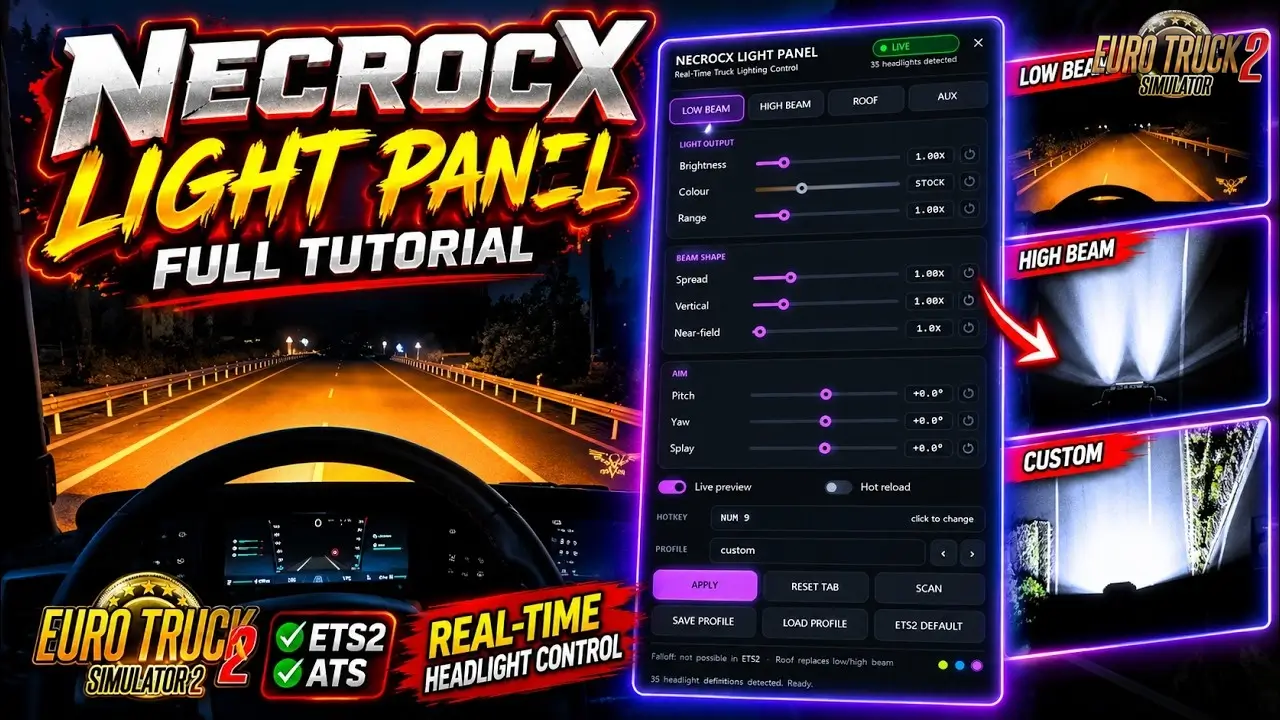
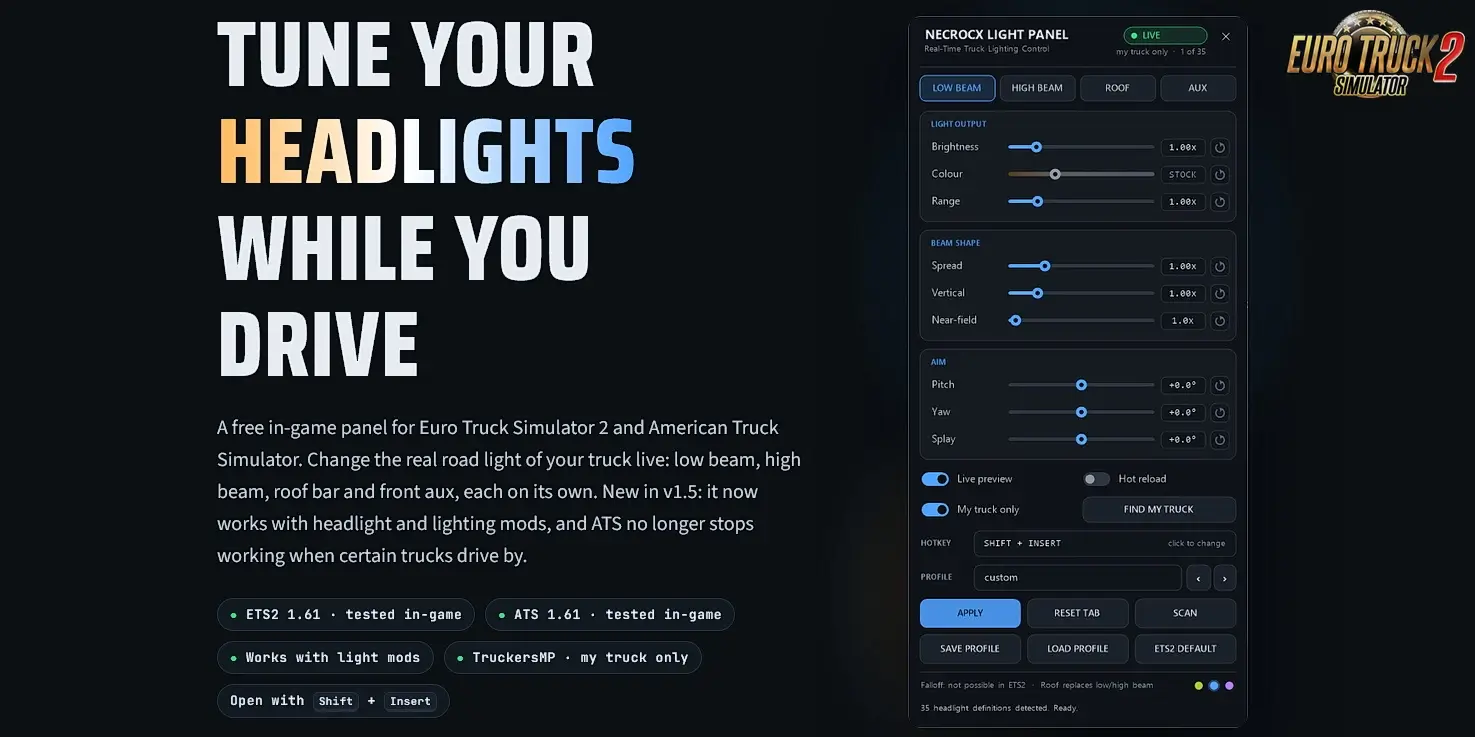
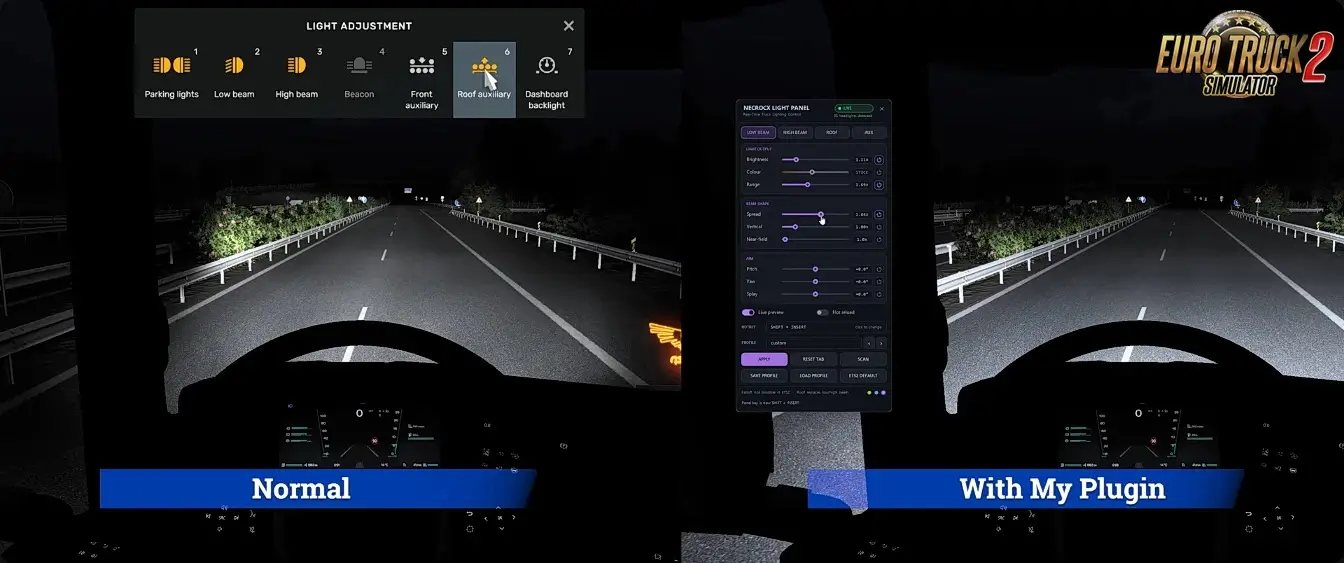
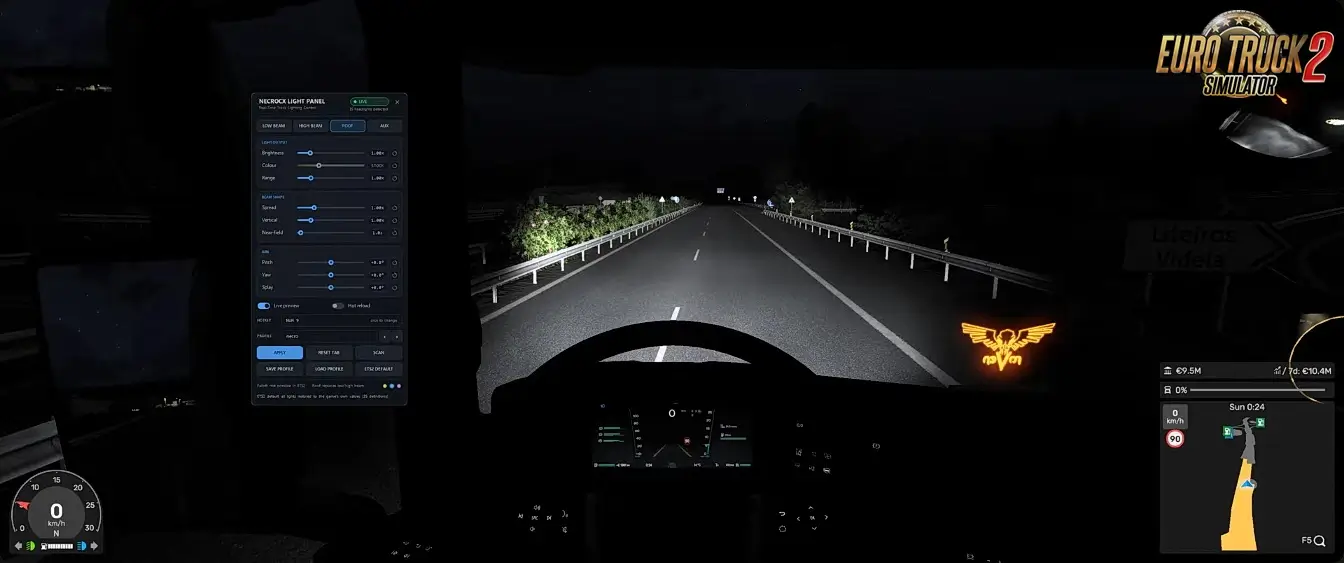
– 🔦 Live tuning of Low Beam, High Beam, Roof and Front Aux lights
– 🎛️ Nine controls per light group:
– Brightness (0.05–5.00x)
– Colour temperature (1700–12000 K)
– Range, Spread, Vertical, Near-field
– Pitch, Yaw and Splay
– 💾 Profiles system (save and load your setups)
– 🔑 Customizable hotkey (default: Shift + Insert)
– 🚛 “My truck only” mode (especially useful in TruckersMP)
– 🛠️ Works with headlight and lighting mods
– 🖥️ No DirectX overlay – fully compatible with ReShade, DLSS, etc.
– 🎮 Compatible with ETS2 and ATS
Changes in v1.5:
– 🔄 Now works with headlight & lighting mods
– 🔄 Fixed ATS issues when certain trucks drive by
– 🔄 More reliable “Find my truck” function
– 🔄 Clearer status messages
– 🔄 Better logging for easier troubleshooting
Installation:
1. Close the game
2. Run Install.bat (choose ETS2, ATS or both)
3. Start the game and accept the SDK plugins notice
4. Sit in your truck → press Shift + Insert → press FIND MY TRUCK
👉️ Tested on game version 1.61.x
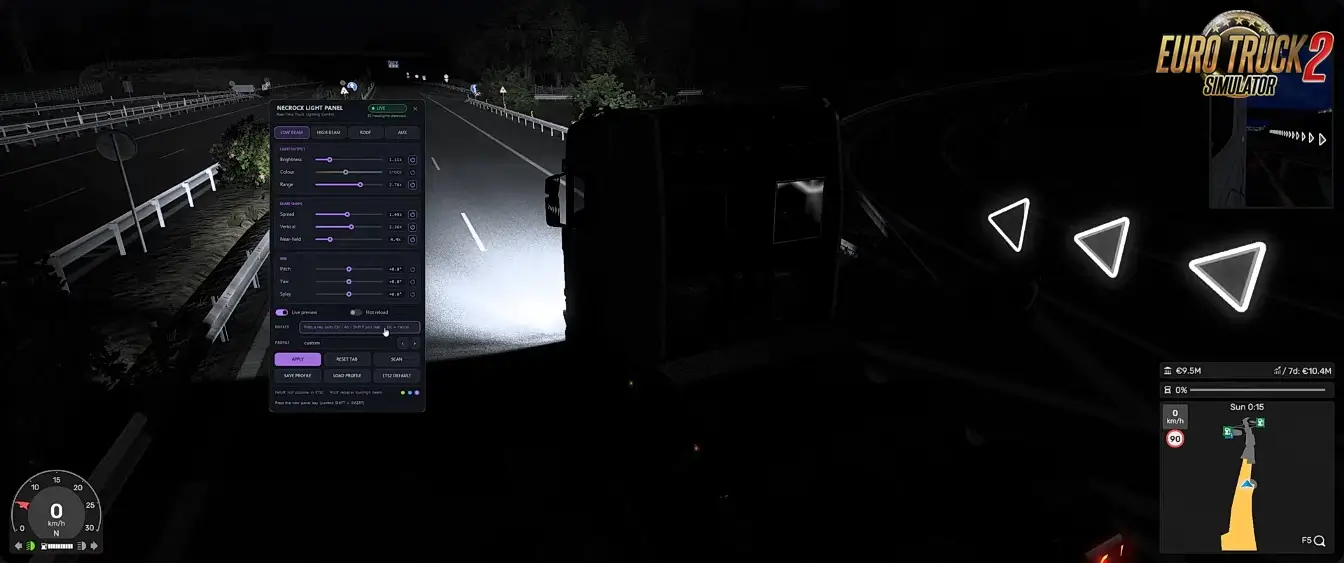
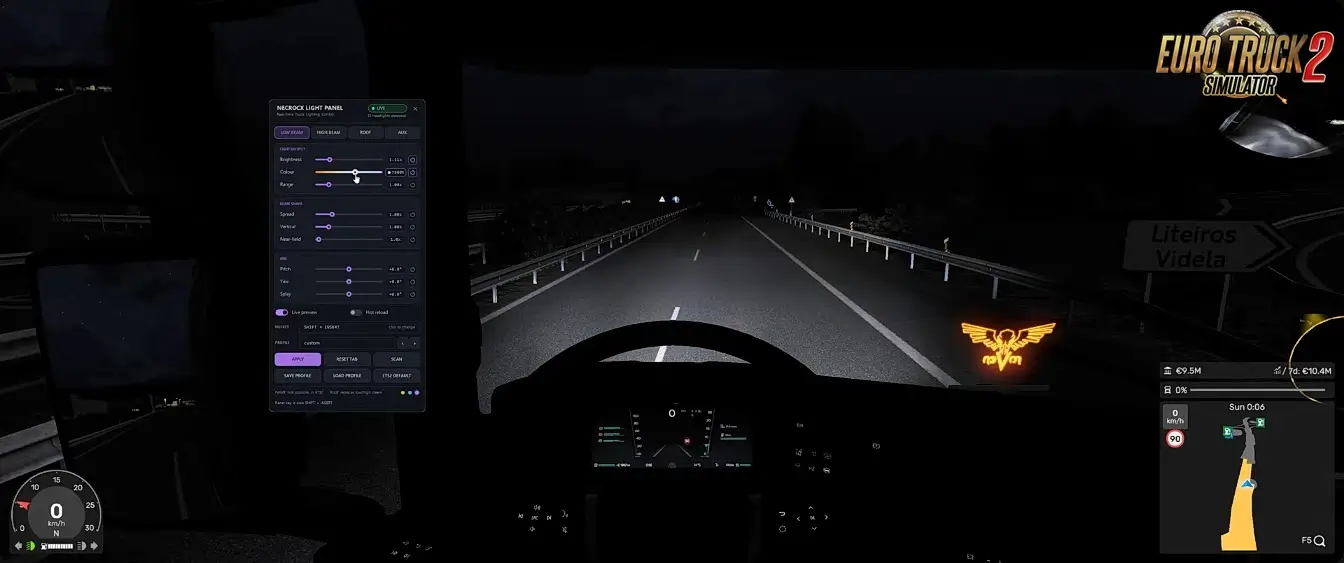
- TruckersMP support: new "My truck only" mode (on by default)
- Changes now go only to your own truck, not to every truck around you
- FIND MY TRUCK button: answer a few YES / NO questions and the panel finds your headlights
- Your truck is remembered, also after restarting the game
- Status shows "my truck only" or "ALL trucks" so you always know what changes
Changes in v1.3:
- American Truck Simulator support (tested in-game)
- Default panel key is now Shift + Insert, so Insert stays free for OptiScaler
- Choose your own panel key in the HOTKEY box
- Reset button on every slider, plus RESET TAB and ETS2 DEFAULT
- Mouse works on the panel as soon as it opens
- Panel is drawn without DirectX, so ReShade and DLSS add-ons leave it alone
Install «NecroCX Light Panel PlugIn v1.5 (1.61.x) for ETS2»Quick setup guide for Euro Truck Simulator 2 Guide4 Steps
- Download the mod archive from one of the mirrors below.
- Extract it with WinRAR or 7-Zip if the file is compressed.
- Copy the
.scsfile toDocuments / Euro Truck Simulator 2 / mod. - Activate it in Profile → Mod Manager, then launch the game.
Policy & Disclaimer for «NecroCX Light Panel PlugIn v1.5 (1.61.x) for ETS2»Important safety and third-party download information ImportantNotice
Download links may lead to third-party websites. We do not host, upload, modify or control external files and cannot be responsible for their advertising or content.
- Scan every download with current antivirus software.
- ETS2 mods normally use
.scsor.zipfiles; never run unknown.exeinstallers. - All trademarks and mod content belong to their respective owners.
For privacy details or removal requests, read our Privacy Policy or contact Admin.
Download «NecroCX Light Panel PlugIn v1.5 (1.61.x) for ETS2»Choose a verified mirror and download safely FreeSafeTested
«NecroCX Light Panel PlugIn v1.5 (1.61.x) for ETS2»
The download links on this page redirect to external third-party websites. We do not host, upload or control any of these files. Always verify the file extension — only .scs and .zip files are safe. Never run .exe installers from unknown sources. Scan all downloads with antivirus software before use.
Download links may redirect to third-party websites. We are not responsible for ads or content displayed there. To request removal — contact Admin


Leave a Comment
0 comments
🛠️ Help the community roll smoothly! Share your honest feedback, bug reports, or screenshots.
Please confirm if this mod works with the latest ETS2 patch. Your review helps the community keep on trucking! 🛣️💨