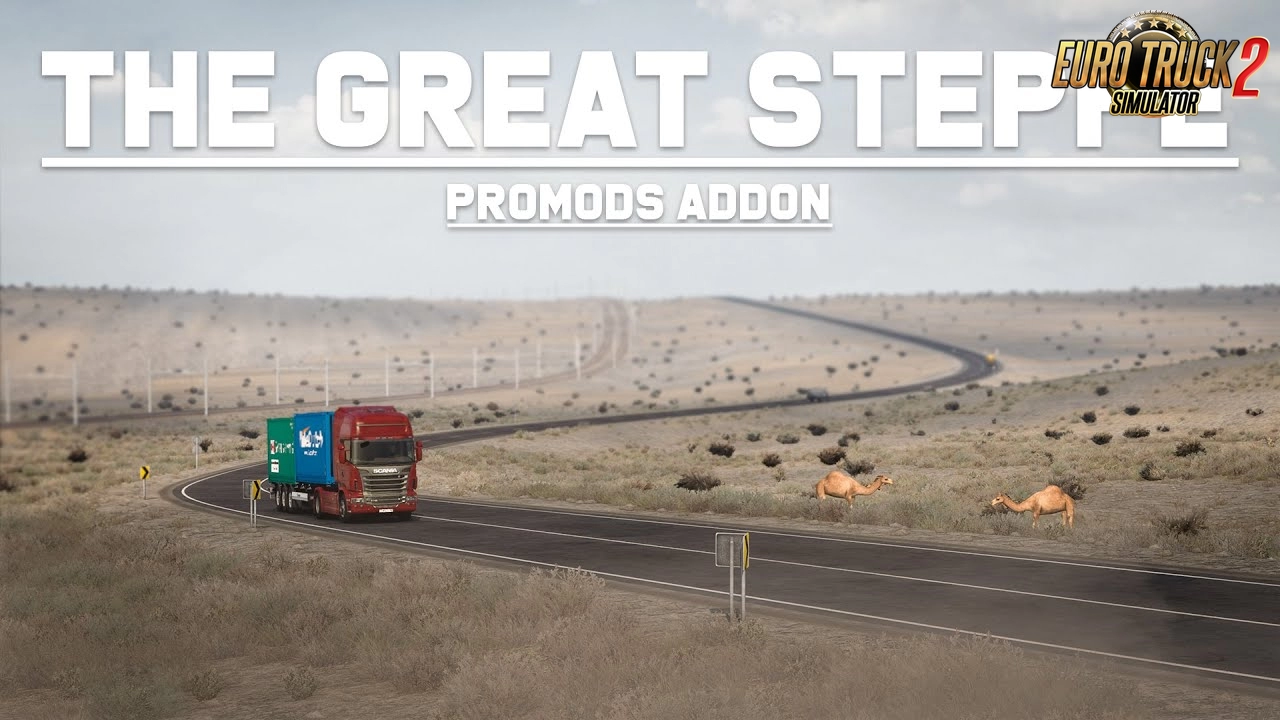
Project Great Steppe Map - Kazakhstan v1.0.3 (1.30.x)

4 869 views 0 comments
Project Great Steppe Map - Kazakhstan v1.0.3 (1.30.x) 1.30.x
Category Maps ETS 2
ETS2 Version 1.30.x
Credits 09_KZ, aldim@tor, Gricko, Jazzycat, FLD, SimKA

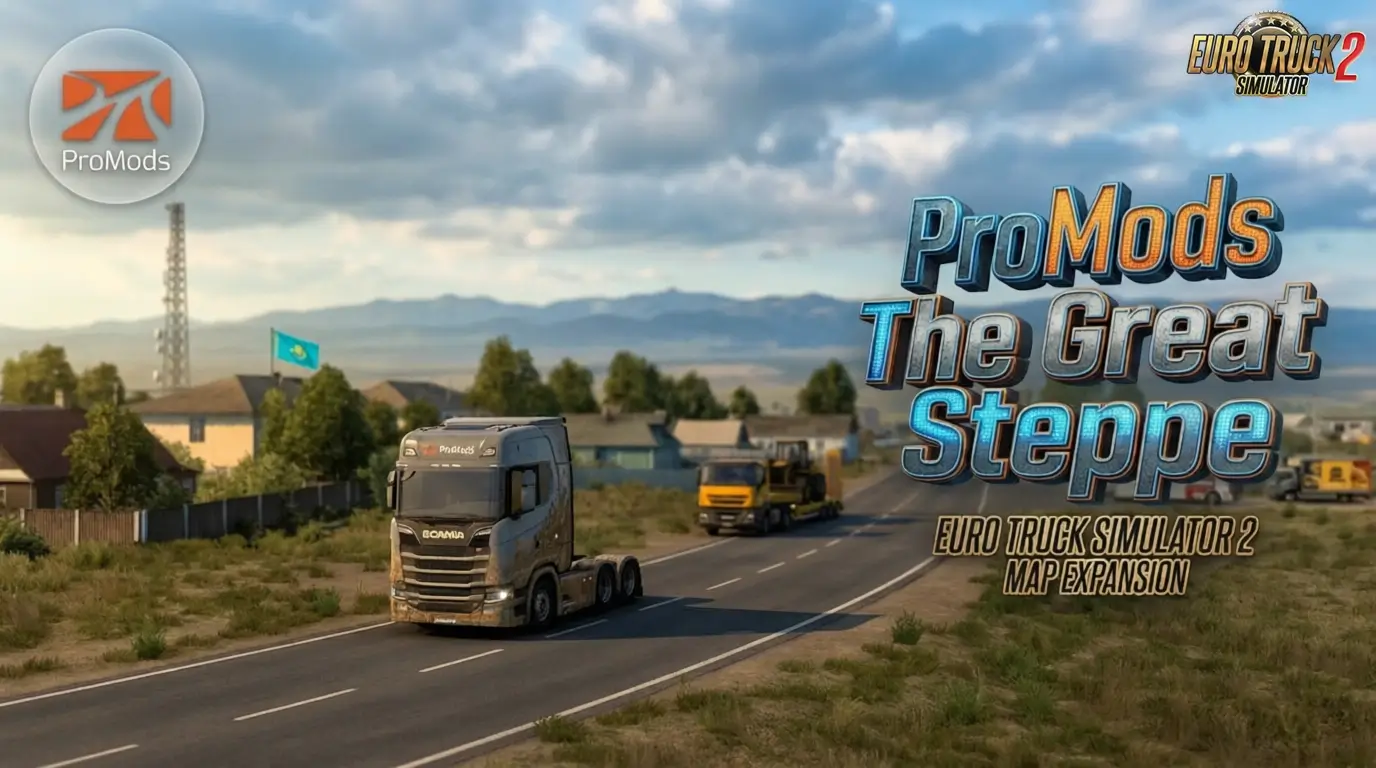
Project Great Steppe Map - Kazakhstan v1.0.3 for Ets2 1.30.x game version.


"The great steppe" the Map of the Republic of Kazakhstan which opens a way from Europe To Asia
by means of the RusMap Project. The card comprises two countries: Kazakhstan and a part of Russia - which
was constructed for connection with the RusMap map. Modification works as in itself (in the right side from the
main map and it isn't connected with others, that is it is autonomous) and together with RusMap and other modifications...

In new version 1.0.3 there are also two areas of western Kazakhstan - the West Kazakhstan region and
the Atyrau region, as well as a small part of the Saratov region of Russia, as in the previous version. 

What's new: 
Most of the map has undergone changes, improvements, correction of various shortcomings and
improvements. Expanded the city of Ershov, partially changed the city of Atyrau, some changes near the city of Uralsk.
 Continuation of the road M-32 (E38) from the city of Uralsk to the village of Lubenka. Other improvements ...
 
Features: 
 - The way to Asia
 - Plain area, melkosopochnik, steppes, deserts, semi-deserts
 - Broken roads (in some places)
 - Sparsely populated areas, long distances.
 
To work, you need:
Euro Truck Simulator 2 - 1.30.x + DLC Going East! + DLC "Scandinavia!" + Vive la France!
 
New settlements: 
Kazakhstan: Zhimpety, Lubenka. 
Russia: Lubenka - (For greater use of the map in offline mode). 

Settlements:
Kazakhstan: Uralsk, Inderbor, Atyrau, Dossor, Makat, Kulsary 
Russia: Ershov.
 
New roads: 
In the Republic of Kazakhstan: A-27, A-28, A-29, A-340, M-32, E38, E40
In Russia: Р-236, Е-38
 
Game version: 1.30.х

Credits: 
Author: 09_KZ , 
The author of the models: aldim @ tor , Gricko , Jazzycat ,
FLD, FKSSM , SimKA , - help with road signs

Install Help:
1. Download the downloaded files unpacked by the 7zip archiver,
press the unzip to the first file,then unpack everything.
All 3 files must be downloaded and stored in the same folder.
2. Place all the unpacked files in the folder My Documents / Euro Truck Simulator 2 / mod.
3. Connect all files in the mod manager.
 
Compatibility with third-party mods:
Maps: RusMap 1.8
             Southern Region v.6.5.2
             ProMods 2.25
 
With the rest was not checked.
 
Note: For correct operation, the map RK Map_The Great Steppe should be found below in the list of mo

Note: For correct work, the RK Map_The Great Steppe map has to is below in the list of spendthrifts.

There is no ban on distribution, please, keep authorship and original links to downloading!

Have a good trip! Zhol Bolsyn!

Screenshots
Project Great Steppe Map - Kazakhstan v1.0.3 (1.30.x) Project Great Steppe Map - Kazakhstan v1.0.3 (1.30.x) Project Great Steppe Map - Kazakhstan v1.0.3 (1.30.x) Project Great Steppe Map - Kazakhstan v1.0.3 (1.30.x) Project Great Steppe Map - Kazakhstan v1.0.3 (1.30.x) Project Great Steppe Map - Kazakhstan v1.0.3 (1.30.x) Project Great Steppe Map - Kazakhstan v1.0.3 (1.30.x) Project Great Steppe Map - Kazakhstan v1.0.3 (1.30.x)
💖

Support the Creator

Help keep great mods coming by downloading officially

  • 🔒Get a safe, authentic version free from harmful files
  • 🚀Your download helps the author create new content
  • ⚙️Respect the time and passion of real modders
  • 🌍Every official download builds a stronger community

Simple steps to install ETS2 Mods

  • 📥 Download the mod «Project Great Steppe Map - Kazakhstan v1.0.3 (1.30.x)»
  • 📦 Use WinRAR or 7-Zip to extract the archive
  • 📁 Copy the .scs file into My Documents / Euro Truck Simulator 2 / mod
  • 🎮 Launch the game → Profile → Mod Manager → Activate the mod
    4 869
    0
    +3 3 votes
Install «Project Great Steppe Map - Kazakhstan v1.0.3 (1.30.x)»Quick setup guide for Euro Truck Simulator 2 Guide4 Steps
  1. Download the mod archive from one of the mirrors below.
  2. Extract it with WinRAR or 7-Zip if the file is compressed.
  3. Copy the .scs file to Documents / Euro Truck Simulator 2 / mod.
  4. Activate it in Profile → Mod Manager, then launch the game.
Policy & Disclaimer for «Project Great Steppe Map - Kazakhstan v1.0.3 (1.30.x)»Important safety and third-party download information ImportantNotice

Download links may lead to third-party websites. We do not host, upload, modify or control external files and cannot be responsible for their advertising or content.

  • Scan every download with current antivirus software.
  • ETS2 mods normally use .scs or .zip files; never run unknown .exe installers.
  • All trademarks and mod content belong to their respective owners.

For privacy details or removal requests, read our Privacy Policy or contact Admin.

Download «Project Great Steppe Map - Kazakhstan v1.0.3 (1.30.x)»Choose a verified mirror and download safely FreeSafeTested
ETS2 Mod Download

«Project Great Steppe Map - Kazakhstan v1.0.3 (1.30.x)»

1.30.x 4 869 Verified Admin
External Download Links

The download links on this page redirect to external third-party websites. We do not host, upload or control any of these files. Always verify the file extension — only .scs and .zip files are safe. Never run .exe installers from unknown sources. Scan all downloads with antivirus software before use.

❤ Support the Author

Enjoy this mod? Supporting the author helps keep great content coming for the community 🚚

Download links may redirect to third-party websites. We are not responsible for ads or content displayed there. To request removal — contact Admin

Leave a Comment

0 comments

🛠️ Help the community roll smoothly! Share your honest feedback, bug reports, or screenshots.
Please confirm if this mod works with the latest ETS2 patch. Your review helps the community keep on trucking! 🛣️💨

Community Guidelines — Please read before posting
  • Be respectful — treat others as you'd want to be treated.
  • Stay on topic — keep comments relevant to this mod.
  • Report bugs clearly — include your game version and mod version.
  • Use English or the site's language for all comments.
  • No spam, self-promotion, or external download links.
  • No offensive, hateful or abusive language — will be removed.
  • Do not ask for mod conversions or request paid mods for free.
  • No duplicate comments — check before posting again.

Security code:*