Scania S Dashboard Computer v1.8 by Piva (1.41.x) for ETS2
 Mod Updated to v1.8
v1.41.x
Mod Updated to v1.8
v1.41.x
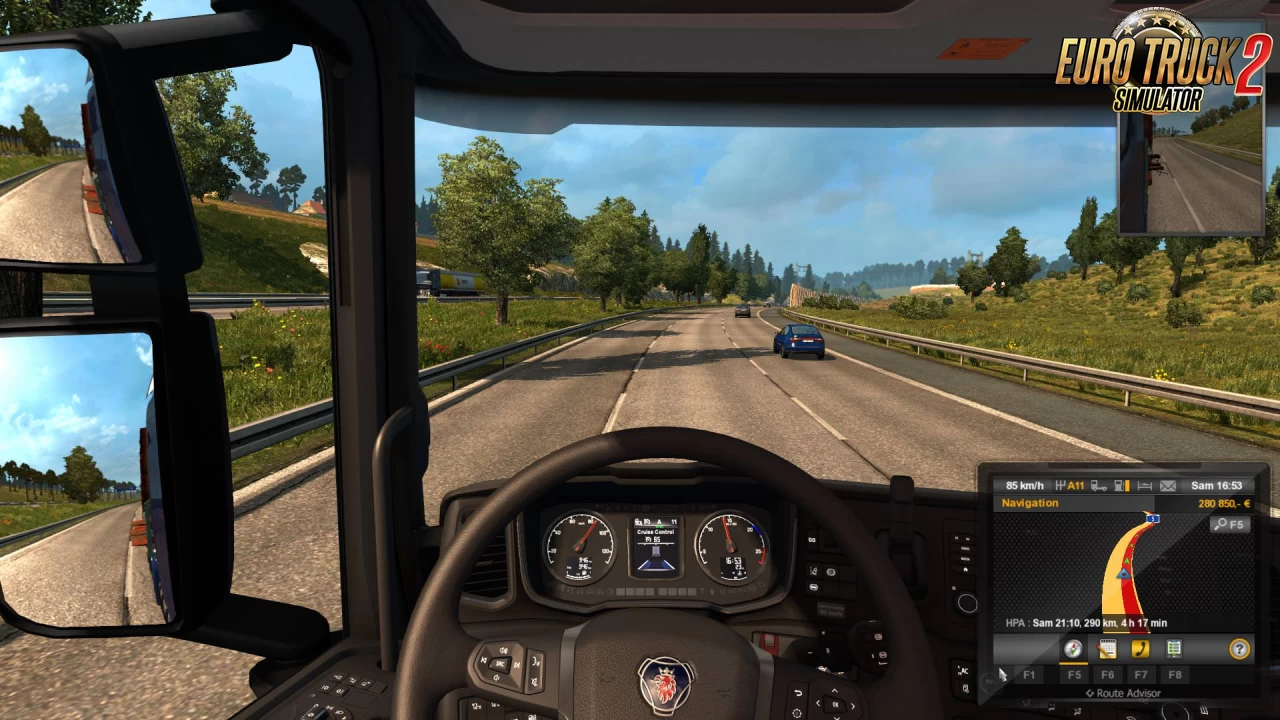
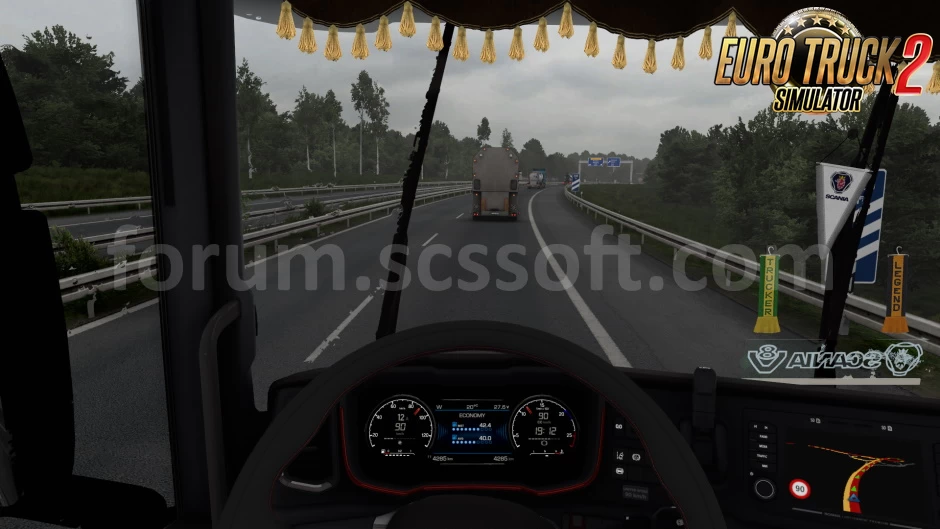
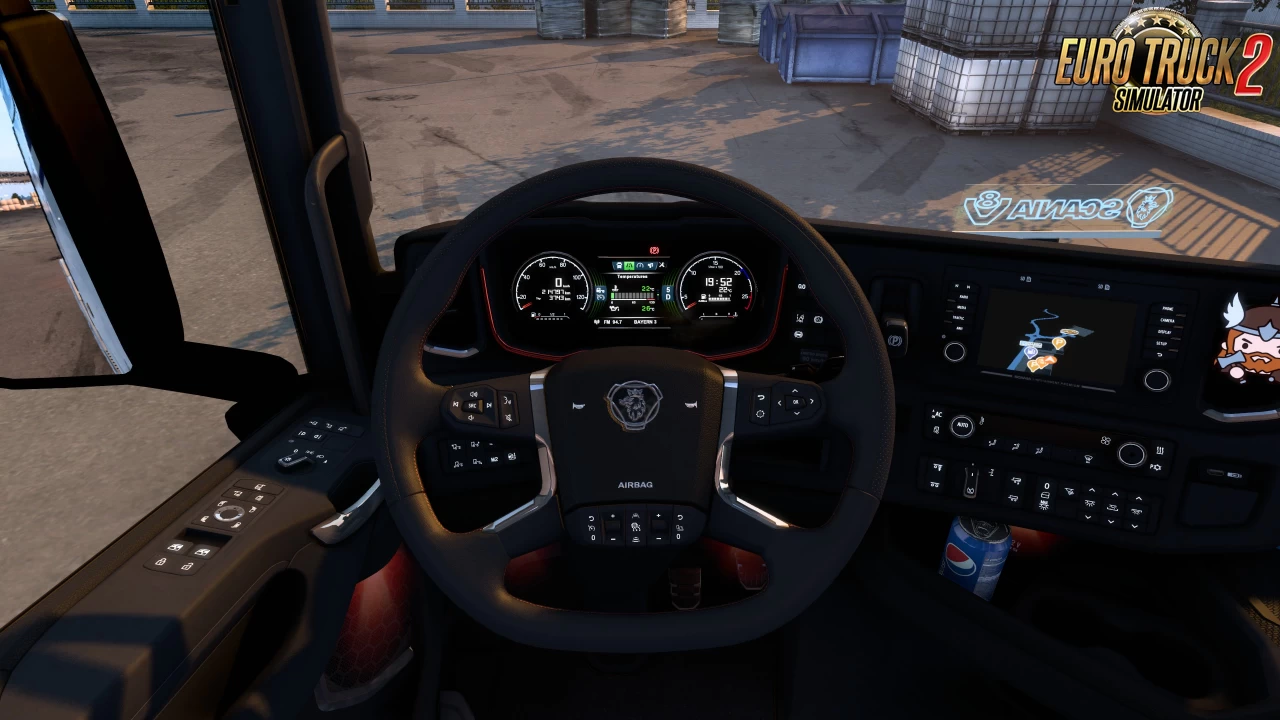
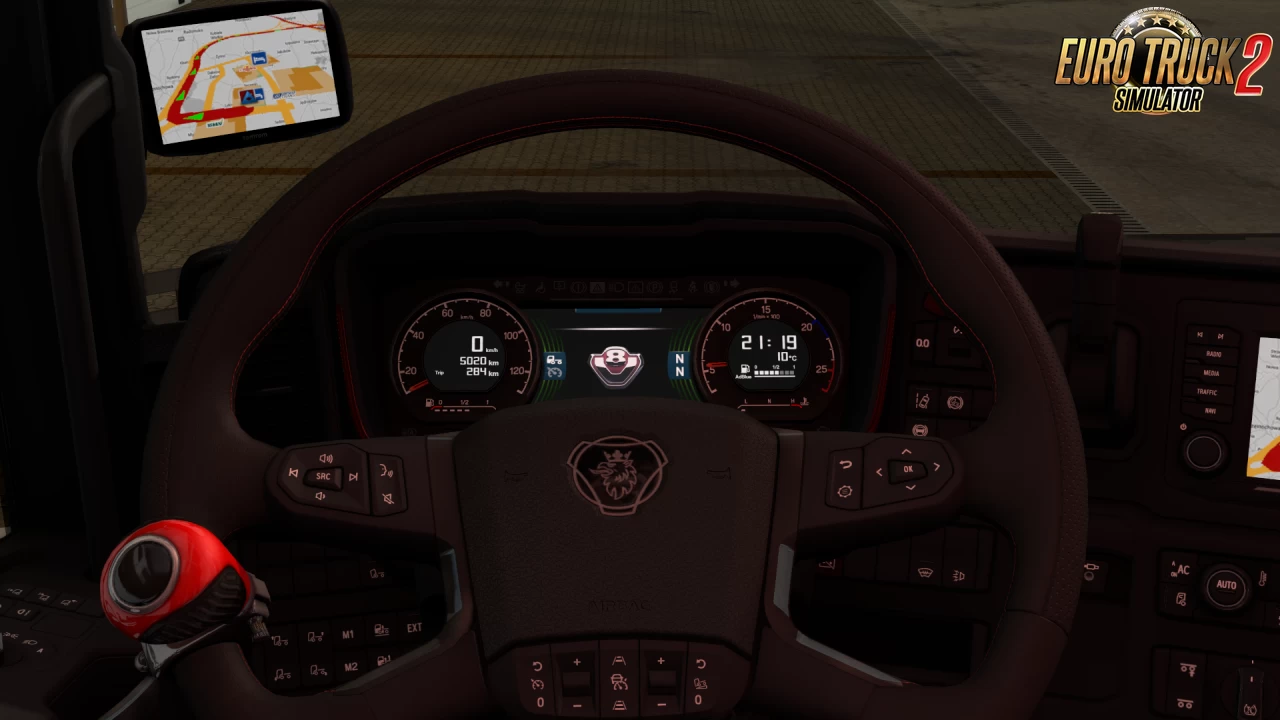
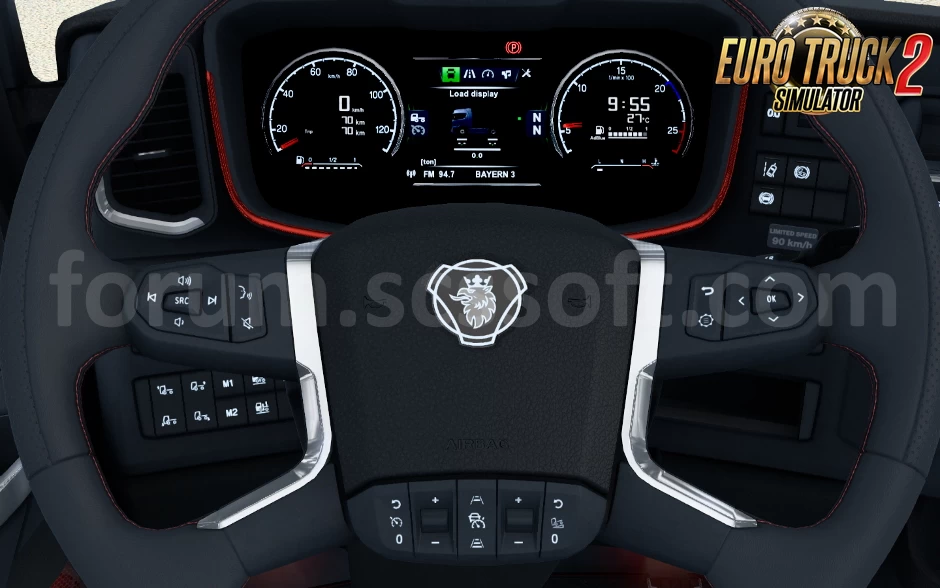
Scania S Dashboard - New on-board computer for standard Scania S with different modes added for ETS2 players. Mod is not compatible with other Scania truck models. Dashboard computer will not work separately without main mod. Please remember, that "custom dashboard" is not working without main mod. This is just addon for main mod.
Features Scania S Dashboard Computer:
- Added new animations and textures;
- You can display information on the tachometer, fuel and more;
- Modes are switched to "i";
- Includes several colors of the on-board computer to choose from;
- engine brake indicator;
- low fuel warning indicator;
- low air pressure illumination;
- addon for V8 logo.
Changes in v1.8:
- Adapted to the latest game patch 1.41

Tested on game version 1.41.x


Install «Scania S Dashboard Computer v1.8 by Piva (1.41.x) for ETS2»Quick setup guide for Euro Truck Simulator 2 Guide4 Steps
- Download the mod archive from one of the mirrors below.
- Extract it with WinRAR or 7-Zip if the file is compressed.
- Copy the
.scsfile toDocuments / Euro Truck Simulator 2 / mod. - Activate it in Profile → Mod Manager, then launch the game.
Policy & Disclaimer for «Scania S Dashboard Computer v1.8 by Piva (1.41.x) for ETS2»Important safety and third-party download information ImportantNotice
Download links may lead to third-party websites. We do not host, upload, modify or control external files and cannot be responsible for their advertising or content.
- Scan every download with current antivirus software.
- ETS2 mods normally use
.scsor.zipfiles; never run unknown.exeinstallers. - All trademarks and mod content belong to their respective owners.
For privacy details or removal requests, read our Privacy Policy or contact Admin.
Download «Scania S Dashboard Computer v1.8 by Piva (1.41.x) for ETS2»Choose a verified mirror and download safely FreeSafeTested
«Scania S Dashboard Computer v1.8 by Piva (1.41.x) for ETS2»
The download links on this page redirect to external third-party websites. We do not host, upload or control any of these files. Always verify the file extension — only .scs and .zip files are safe. Never run .exe installers from unknown sources. Scan all downloads with antivirus software before use.
Download links may redirect to third-party websites. We are not responsible for ads or content displayed there. To request removal — contact Admin

![Scania dashboard computer v3.9 [1.25.x]](https://download-ets2.com/uploads/posts/2016-09/1473764736_maxresdefault.jpg)


Leave a Comment
0 comments
🛠️ Help the community roll smoothly! Share your honest feedback, bug reports, or screenshots.
Please confirm if this mod works with the latest ETS2 patch. Your review helps the community keep on trucking! 🛣️💨