Introducing the Multi-Function Display: Behind the Scenes for ETS2
 News ETS2 Total views: 621
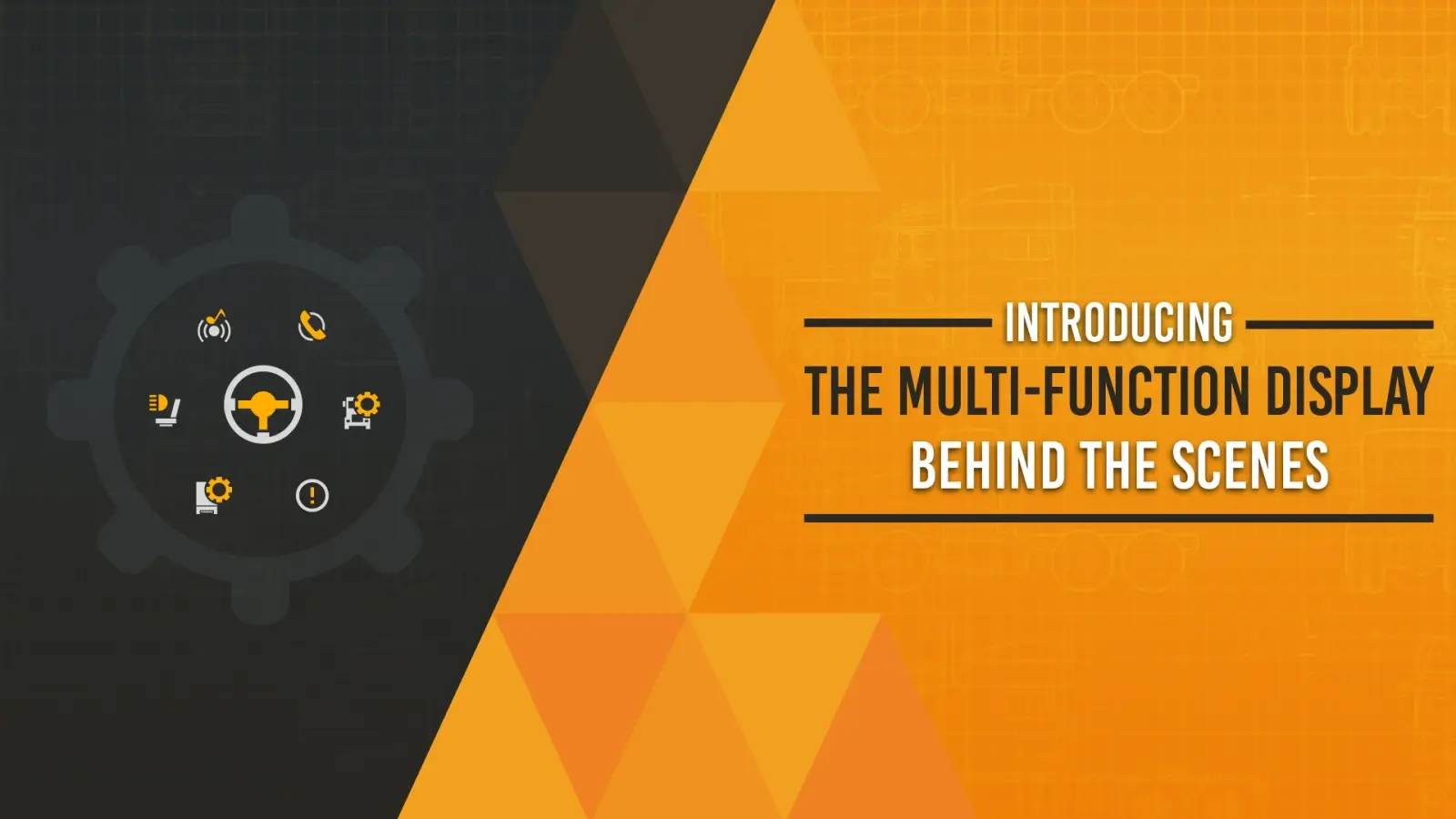
🎮 Great news from SCS Software presenting ,,Introducing the Multi-Function Display: Behind the Scenes" from the new upcoming update 1.60 for American Truck Simulator and Euro Truck Simulator 2 game.
SCS Software has revealed an early look at the Multi‑Function Display (MFD) — a new in‑game interface designed to unify vehicle controls, reduce menu interruptions, and make truck operation more intuitive across both ATS and ETS2.
What the MFD Is
– 🖥️ In‑game interface accessible from both interior and exterior camera views
– 🧭 Lets players navigate driving assists, lighting, vehicle adjustments, media, trip info, and more
– 🚚 Designed to reduce interruptions — opening the MFD usually does not pause gameplay
– 🎮 Vehicle controls remain responsive while interacting with the menu
Why the MFD Exists
Over the years, ATS and ETS2 have gained many new systems, assists, and controls. This created:
– 🧩 Too many key‑binds to remember
– 🗂️ Scattered menus
– 🔍 Features many players never discover
The MFD solves this by:
– 🧭 Presenting functions together in context
– ⌨️ Showing related key‑binds directly inside the menu
– 🧠 Improving discoverability for both new and veteran players
Designed for All Control Setups
The MFD is built with accessibility and flexibility in mind:
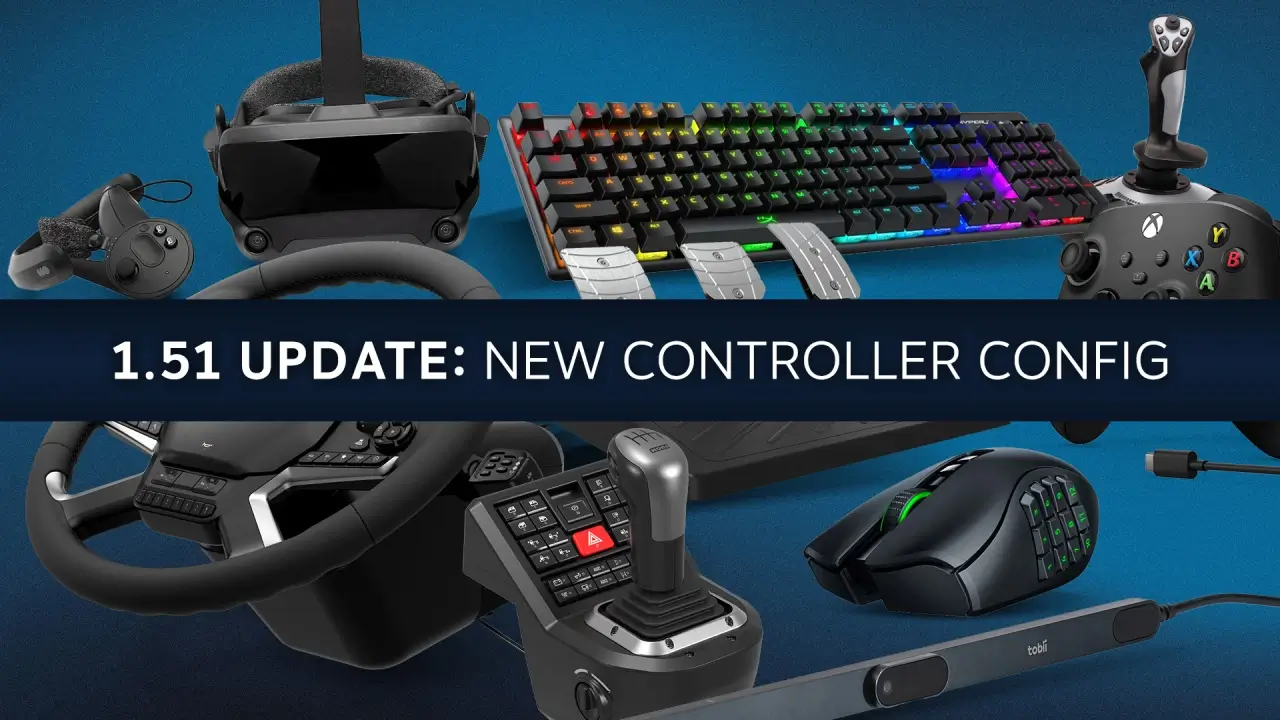
– 🎮 Supports keyboard, mouse, wheel, and controller
– 🔧 Includes customizable navigation controls
– 🧠 Works as an additional layer, not a replacement for muscle‑memory key‑binds
Inspired by Real Vehicle Interfaces
SCS drew inspiration from modern automotive UI design to make the MFD:
– 🧼 Clean
– 👁️ Readable
– 🧭 Believable
– ⚡ Fast to navigate
The goal is to keep the interface immersive but not distracting.
Built on Recent UI Improvements
The MFD continues SCS’s ongoing interface overhaul, following:
– 🛠️ Damage Widget
– 💰 Finances Widget
– 📦 Job Info Widget
– 🧭 Quick Info menu rework (in progress)
![Introducing the Multi-Function Display: Behind the Scenes for ETS2]()
![Introducing the Multi-Function Display: Behind the Scenes for ETS2]()
![Introducing the Multi-Function Display: Behind the Scenes for ETS2]()
![Introducing the Multi-Function Display: Behind the Scenes for ETS2]()
![Introducing the Multi-Function Display: Behind the Scenes for ETS2]()
![Introducing the Multi-Function Display: Behind the Scenes for ETS2]()
SCS Software has revealed an early look at the Multi‑Function Display (MFD) — a new in‑game interface designed to unify vehicle controls, reduce menu interruptions, and make truck operation more intuitive across both ATS and ETS2.
What the MFD Is
– 🖥️ In‑game interface accessible from both interior and exterior camera views
– 🧭 Lets players navigate driving assists, lighting, vehicle adjustments, media, trip info, and more
– 🚚 Designed to reduce interruptions — opening the MFD usually does not pause gameplay
– 🎮 Vehicle controls remain responsive while interacting with the menu
Why the MFD Exists
Over the years, ATS and ETS2 have gained many new systems, assists, and controls. This created:
– 🧩 Too many key‑binds to remember
– 🗂️ Scattered menus
– 🔍 Features many players never discover
The MFD solves this by:
– 🧭 Presenting functions together in context
– ⌨️ Showing related key‑binds directly inside the menu
– 🧠 Improving discoverability for both new and veteran players
Designed for All Control Setups
The MFD is built with accessibility and flexibility in mind:
– 🎮 Supports keyboard, mouse, wheel, and controller
– 🔧 Includes customizable navigation controls
– 🧠 Works as an additional layer, not a replacement for muscle‑memory key‑binds
Inspired by Real Vehicle Interfaces
SCS drew inspiration from modern automotive UI design to make the MFD:
– 🧼 Clean
– 👁️ Readable
– 🧭 Believable
– ⚡ Fast to navigate
The goal is to keep the interface immersive but not distracting.
Built on Recent UI Improvements
The MFD continues SCS’s ongoing interface overhaul, following:
– 🛠️ Damage Widget
– 💰 Finances Widget
– 📦 Job Info Widget
– 🧭 Quick Info menu rework (in progress)





Leave a Comment
0 comments
🛠️ Help the community roll smoothly! Share your honest feedback, bug reports, or screenshots.
Please confirm if this mod works with the latest ETS2 patch. Your review helps the community keep on trucking! 🛣️💨