Key Points
– 🖥️ ETS2 does not support DLSS natively
The game engine is too old, so DLSS 5 is not built‑in.
– ⚙️ DLSS 5 is simulated using a mod injector
The creator uses a tool that mimics DLSS‑style upscaling and sharpening.
– 📦 Installation requires dropping files into the ETS2 bin folder
The injector hooks into the rendering pipeline.
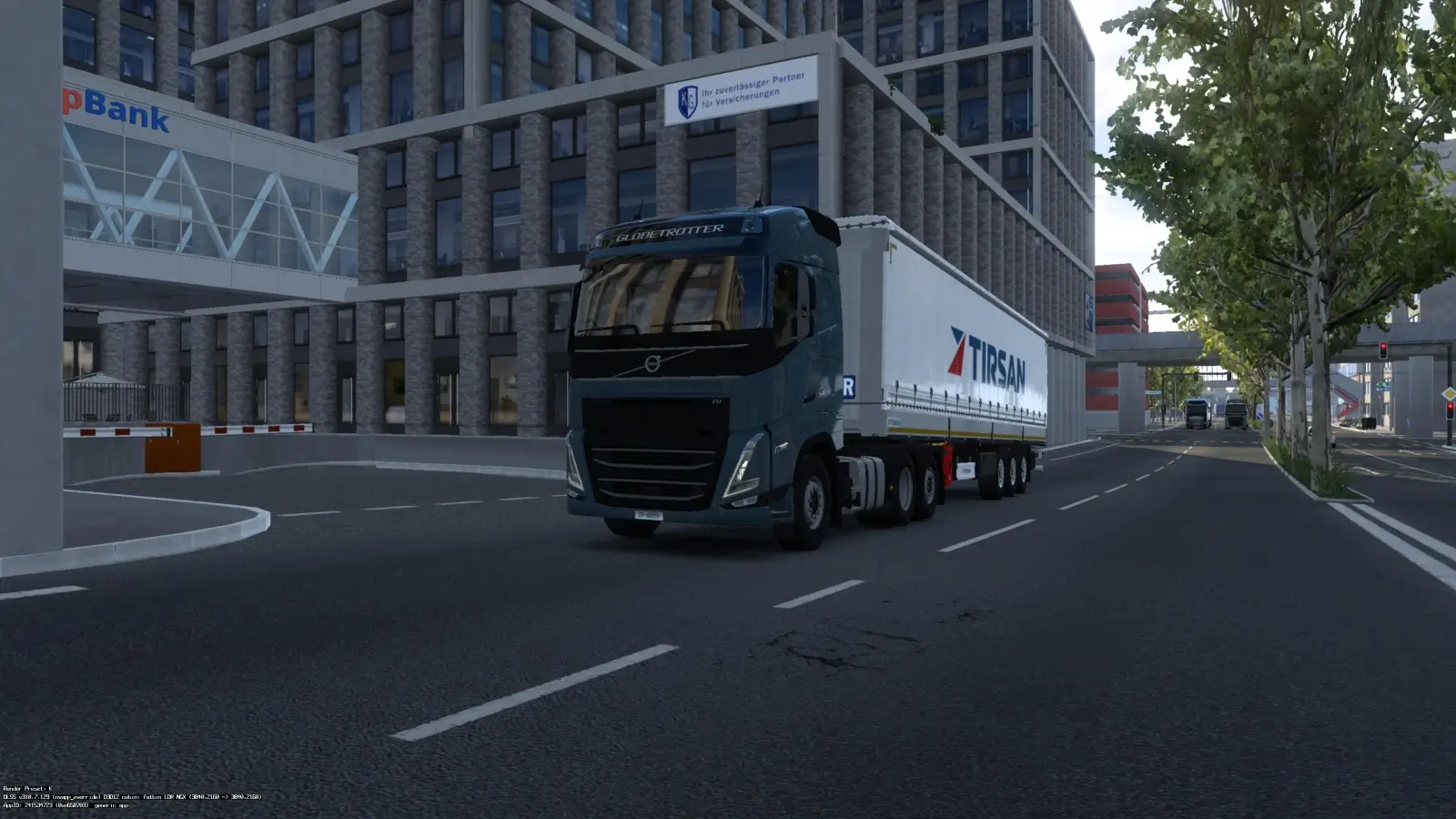
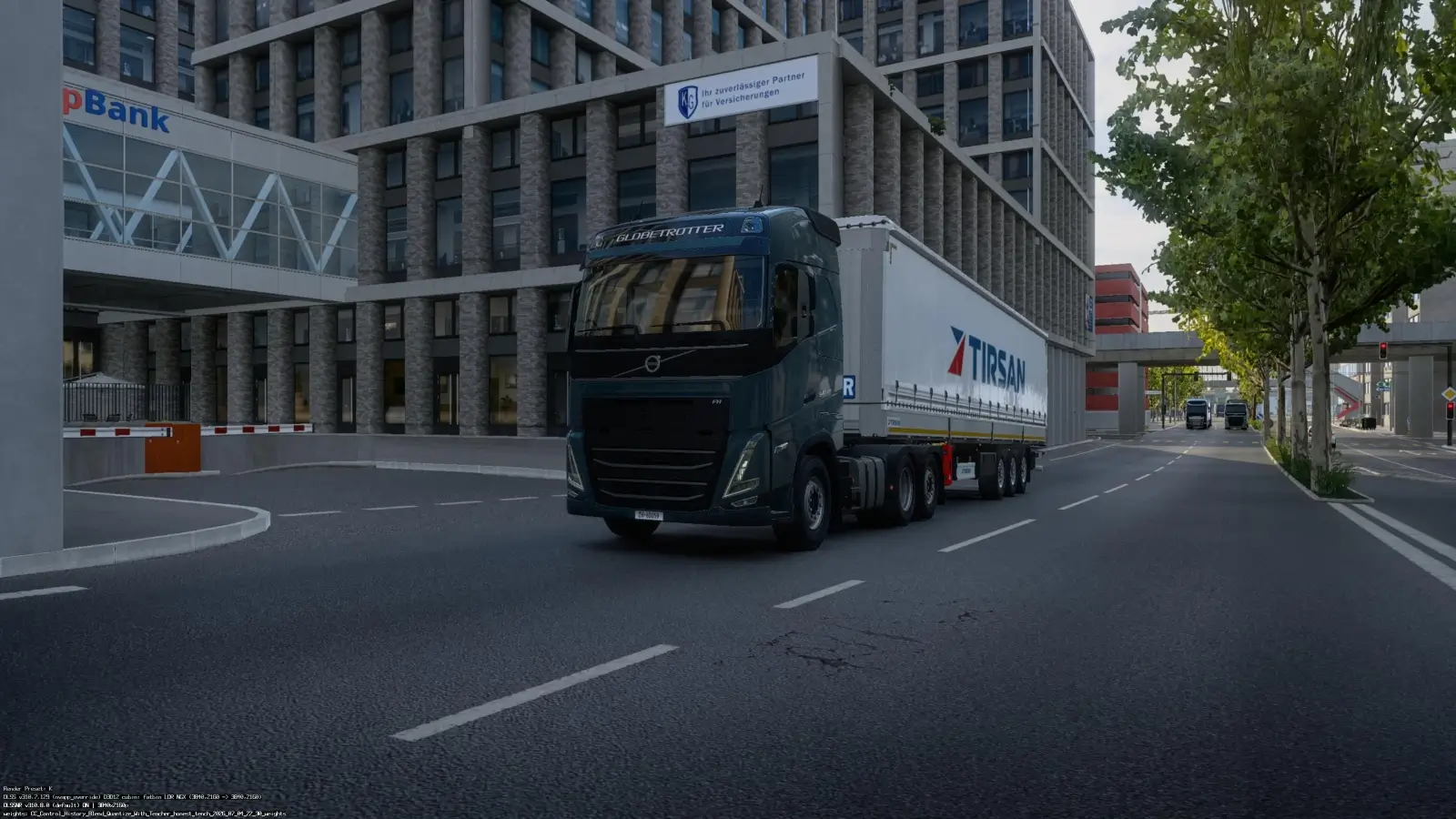
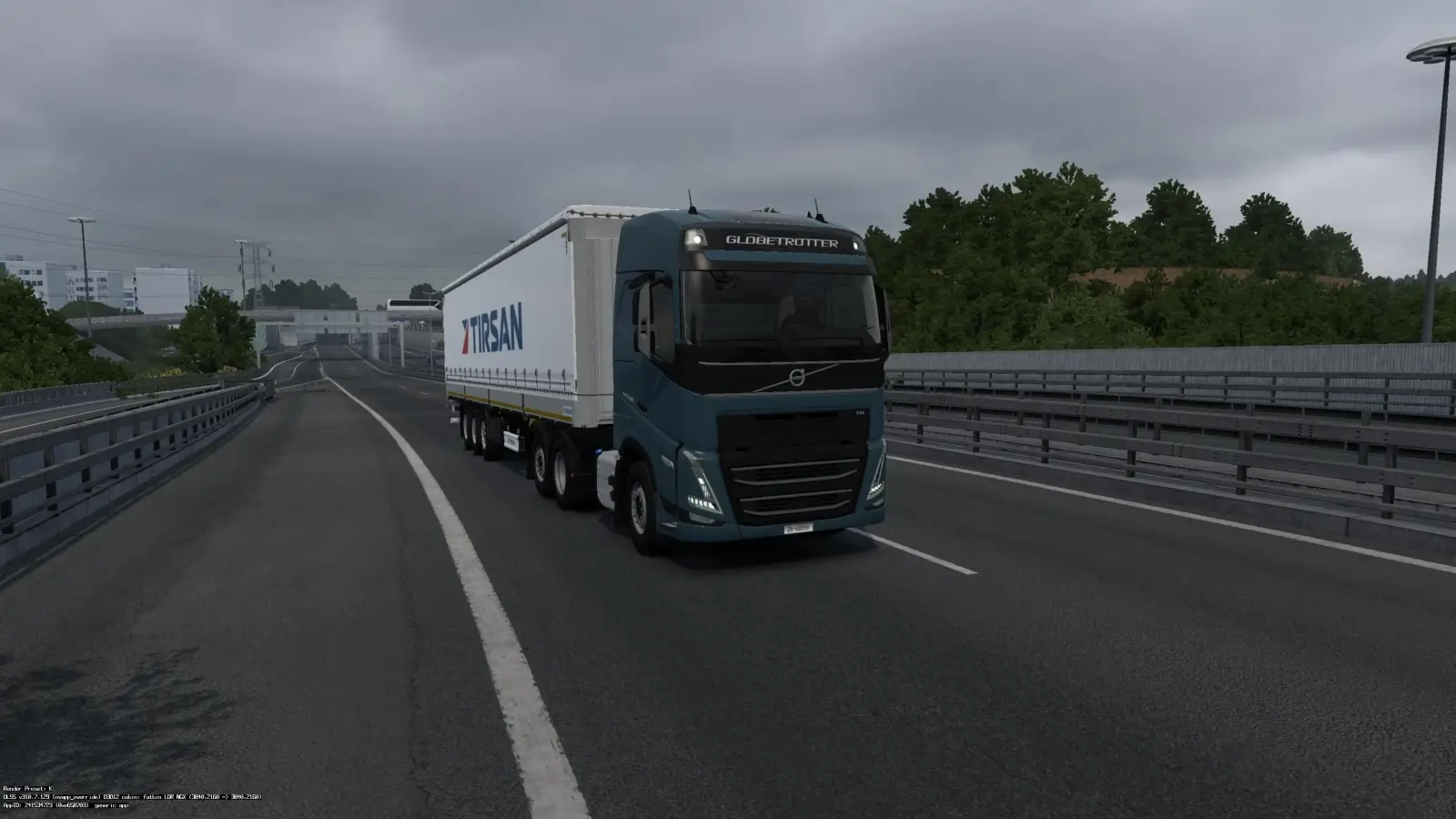
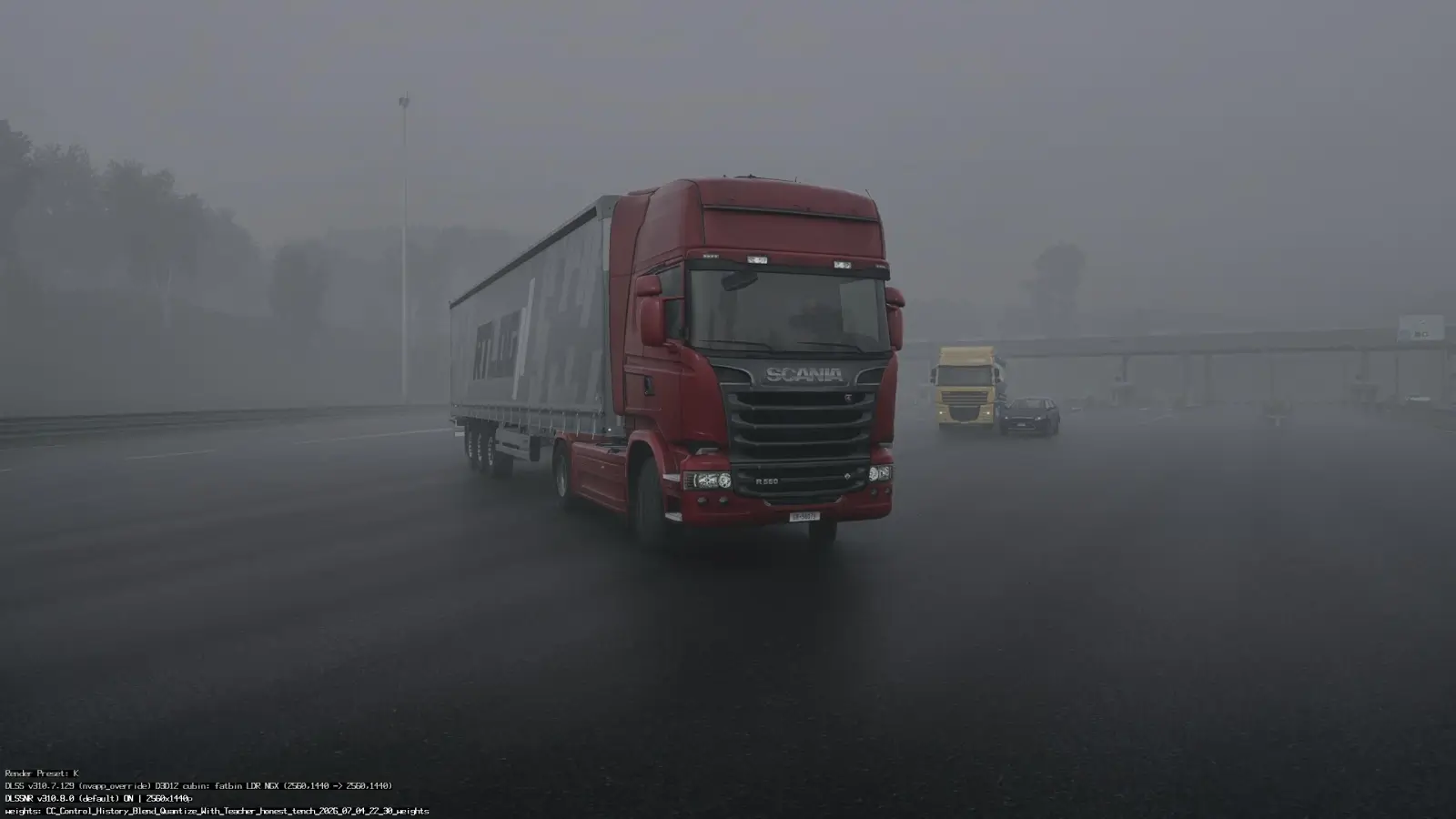
– 🎮 Performance improvements shown in gameplay
Higher FPS, smoother frame pacing, and cleaner edges.
– 🔍 Sharpening + Upscaling combo improves clarity
The video shows side‑by‑side comparisons.
– 🛠️ Settings must be tuned per GPU
RTX cards benefit most, but GTX cards can still use the injector.
What DLSS 5 “Mod” Actually Does
– 📈 Upscales lower resolutions to higher ones
– 🔧 Adds AI‑style sharpening
– 🎞️ Smooths frame pacing
– 🌙 Reduces shimmering and aliasing
– 🆙 Makes ETS2 look more modern without official DLSS support
This is not real DLSS 5, but a DLSS‑like enhancement that visually mimics it.
Download:
nvngx_dlssnr: https://sharemods.com/pde0uvtiey7r/nv...
DLSS5 Feeder and Instalation walkthrough: https://github.com/jlrouzies-fr/DLSS5...